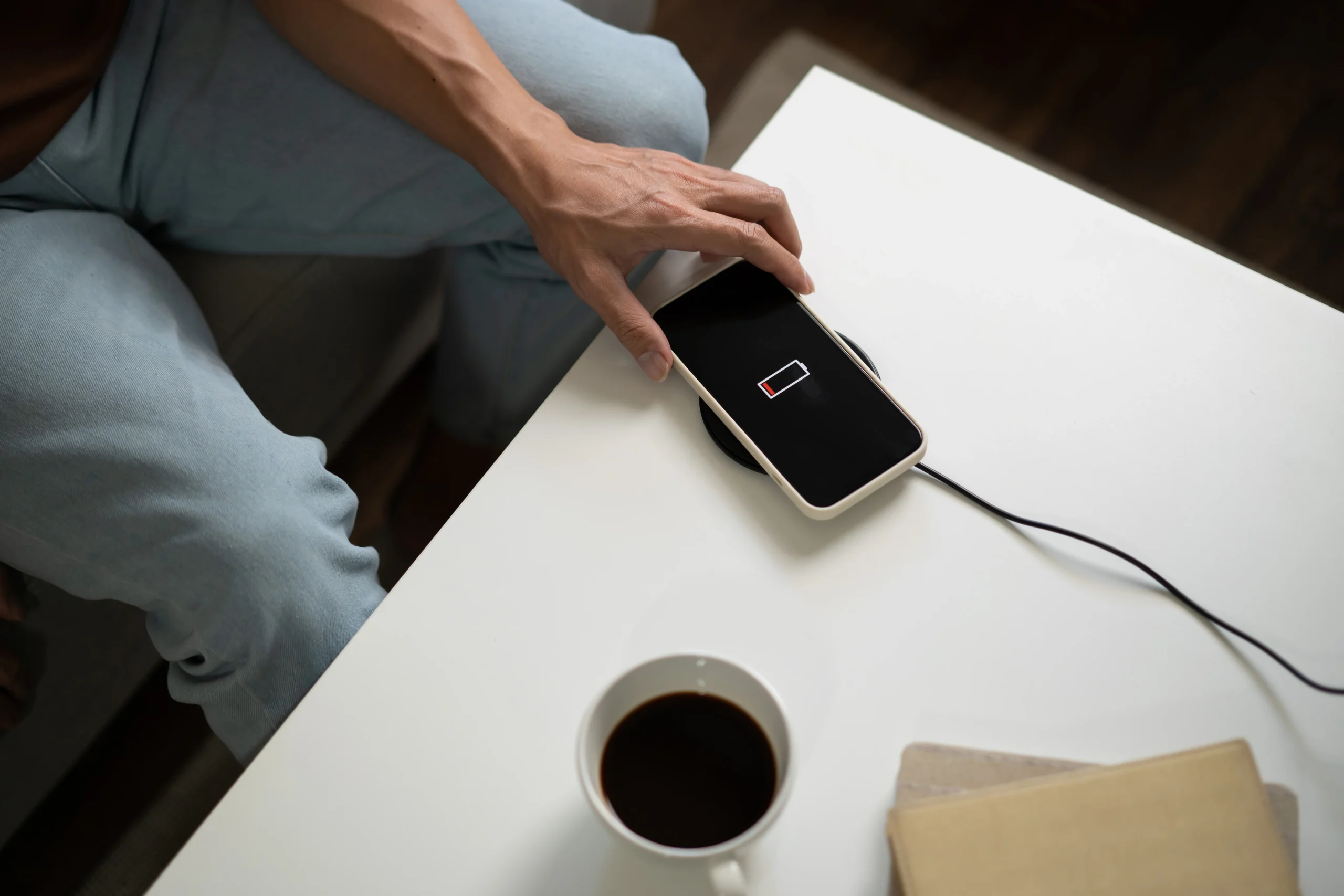

A phone that refuses to charge disrupts routines instantly. Most people only realise how dependent they are on a stable power source when their device stops responding to the charger. We work closely with customers at Telespace, and a large portion of these charging issues lead back to the condition of the charging port. Understanding why this happens makes it easier to identify what can be fixed at home and what requires proper technical repair.
Early Indicators That a Charging Port Is Failing
Charging ports tend to show progressive signs of deterioration rather than failing all at once. The most common signals appear gradually.
Some users notice the cable slipping out easily or requiring a precise angle to initiate charging. Others report intermittent charging where the icon appears and disappears with the slightest movement. In certain cases, the charger works only with one particular cable, which suggests poor contact rather than a battery fault.
You can take a moment to look at the port under direct light. Layers of lint or compacted dust often sit near the back of the connector, and this prevents the pins from making full contact with the cable. Even a thin block can interfere with fast charging or stop it entirely.
It’s also important to recognise when inconsistent charging points to internal stress caused by low quality repair work, a factor many device owners are unaware of.
Why Charging Ports Stop Responding Over Time
Charging ports are used multiple times a day, and every insertion applies pressure to the internal pins and surrounding structure. Several factors contribute to their deterioration, and each develops in a different way.
Physical force is one major contributor. Pulling the cable out quickly, using the phone while it charges, or bending the connector can gradually weaken the port. When this happens repeatedly, the pins lose alignment and fail to hold the cable firmly.
Moisture exposure is another silent cause. Steam in bathrooms, spills, sweat, and general humidity can introduce microscopic moisture into the port. Over time this leads to corrosion that interrupts electrical flow.
Debris buildup is extremely common. Phones stored in pockets or bags tend to gather lint, which compresses deeper with every cable inserted. This buildup creates resistance and leads to overheating or irregular charging.
The accessories used also influence port health. Low quality or unregulated chargers send inconsistent voltage through the port. This not only stresses the pins but can also affect the supporting components around them.
Finally, impact damage such as dropping the phone or applying pressure while it charges can loosen the port from the motherboard. Once loosened, charging becomes unpredictable.
There are also cases where damage progresses faster when earlier repair attempts used non compliant parts, causing instability that users mistake for normal wear.
Safe Troubleshooting Steps You Can Try at Home
Not every charging failure means the port is permanently damaged. A few controlled checks can help you identify whether the issue is minor or more serious.
Start by testing more than one cable. Using a certified cable allows you to rule out accessory faults. Some cables lose internal strength over time, leading to weak or absent charging signals.
Follow this by cleaning the outer layer of the port gently. A wooden or plastic tool can lift loose lint, but it’s important not to push debris deeper or apply force. If the port looks compacted, professional cleaning is safer.
Next, try different power sources. A laptop USB port, a power bank, and a standard wall socket each deliver power in different ways. If the phone charges consistently on one but not the others, the fault may be with the power outlet.
Restarting the phone can also help if a software interruption has affected charging control. Although rare, this can occur after updates.
However, if the charging symbol flickers when you move the cable, or if power drops immediately when you release pressure, the issue is likely mechanical and no longer solvable through at home checks.
When Charging Port Damage Can’t Be Fixed Without Technical Tools
Some faults appear simple but require precision equipment and proper handling. Attempting to fix these at home can worsen the damage.
Bent or displaced pins are one example. These pins are extremely small, and adjusting them manually risks breaking them. Once broken, the entire port must be replaced.
Port corrosion is another issue that cannot be addressed without professional tools. Moisture damage spreads along the internal pathways, and cleaning requires controlled cleaning processes to prevent further spread.
A detached port is a more serious fault. If the port has separated partially or fully from the motherboard, reattaching it needs micro soldering accuracy. This is not achievable with home tools and can cause secondary damage if attempted.
Burn marks or melting inside the port indicate abnormal voltage. When visible, it often means the damage extends beyond the port itself. Professional diagnosis ensures the full extent of the damage is identified.
In many situations, technicians uncover faults that were caused by past improper repair attempts. These hidden weaknesses often lead to recurrent charging issues, especially when non certified methods were used, and identifying them early prevents repeated failures.
What Professional Charging Port Repair Actually Involves
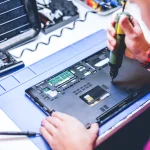
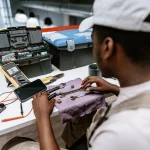
When a charging port requires intervention, a proper repair process includes several stages designed to pinpoint the exact issue before replacing anything.
The first stage is diagnostic testing. Professionals use tools to check voltage flow, cable response, battery behaviour, and motherboard connection. This eliminates unnecessary part replacements.
Cleaning is performed using techniques that remove built up materials or corrosion without harming internal components. Ultrasonic cleaning and controlled air pressure tools achieve this safely.
If the port is physically damaged, technicians may re secure it or replace it entirely. High precision tools ensure the new or repaired port fits correctly and aligns with the cable for long term stability.
Quality controlled replacement parts are essential. Ports vary between models, and using the wrong component can lead to weak connections or faster degradation. Certified parts ensure a consistent and reliable charge.
After the repair, testing is repeated to confirm that the phone responds correctly from multiple angles and with different power sources. Stability testing ensures the port will not loosen again.
A professionally completed repair extends the life of the phone and reduces the risk of further charging problems.
Powering Up Safely After Your Device Fails to Charge
A phone that stops charging can feel like a sudden disaster, but it often comes down to correct diagnosis and proper repair. Most charging issues are reversible when handled early and addressed with the right tools and components.
At Telespace, we focus on thorough diagnostic work and precise charging port repairs across a wide range of devices. The goal is to restore reliable charging without unnecessary part replacements. Using certified components and following technical standards ensures that every repair supports long term device health.
Charging stability depends on how well the port is maintained and how accurately faults are resolved. When handled properly, even ports that appear completely unresponsive can function normally again. If your device stops charging or shows early warning signs, addressing them promptly avoids further complications and helps your phone return to dependable performance.