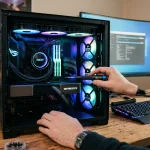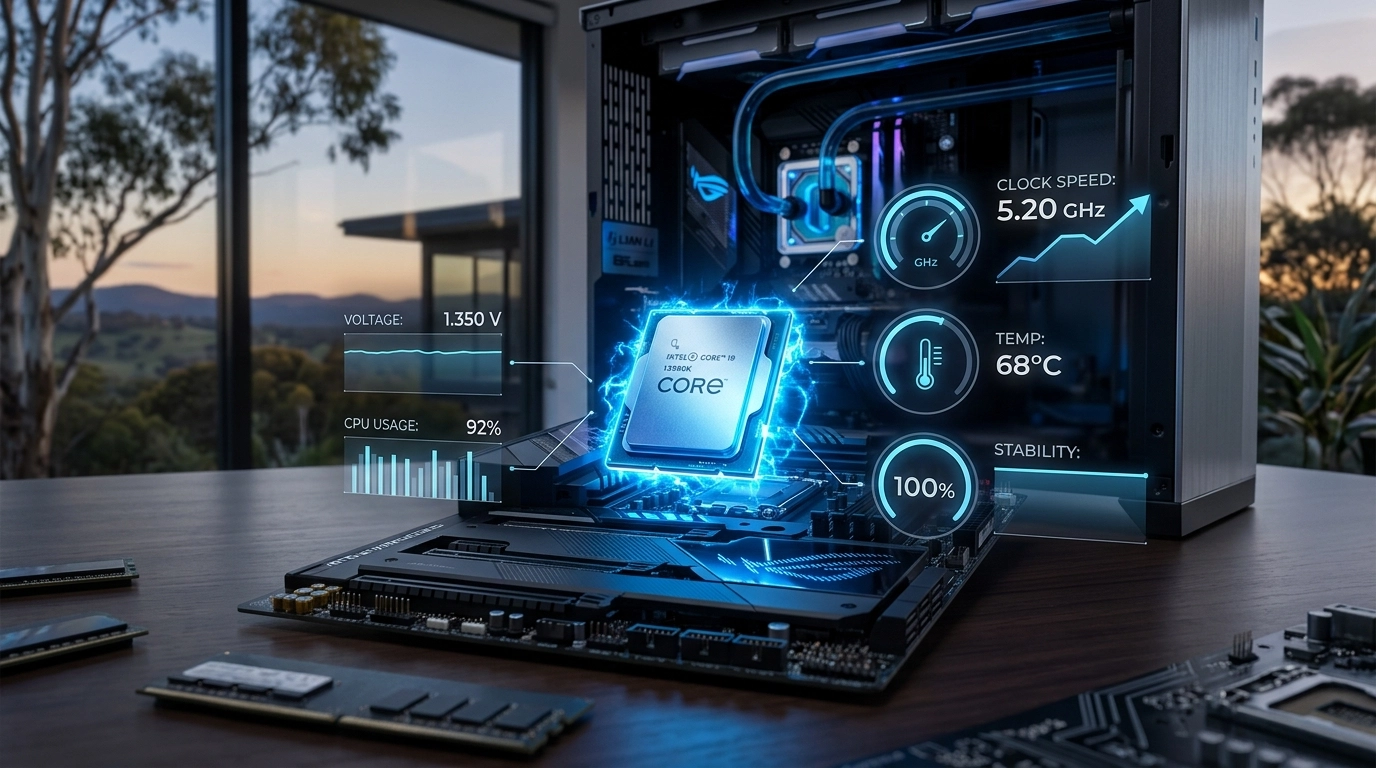

In the sun-drenched landscape of Australian gaming, the quest for peak performance often leads to a single, high-stakes technique: overclocking. At Telespace, we understand that pushing your hardware beyond its factory-rated speeds is a rite of passage for many enthusiasts seeking to squeeze every frame out of their favorite titles. Whether you are running an Intel Core i9 14900KF or a budget-friendly Ryzen 5 5500, the goal remains the same: maximizing value without sacrificing the longevity of your components. This guide explores the delicate art of safely elevating your clock speeds within the unique climate and hardware availability found here in Australia.
The Foundation of Clock Speeds
Before touching a single setting, it is vital to understand what happens when you overclock. A CPU operates at a specific frequency, measured in gigahertz (GHz), which dictates how many cycles it performs per second. Overclocking increases this frequency. However, more speed requires more voltage, and more voltage inevitably generates more heat.
In Australia, where ambient temperatures can fluctuate wildly, your cooling solution is your first line of defense. A standard stock cooler might suffice for base speeds, but for serious performance gains, moving toward a 360mm AIO liquid cooler or a high-performance air cooler like the DeepCool AK400 is often a necessity.
Preparing Your Digital Environment
Stability is the priority when altering hardware parameters. You must ensure your system is in peak health before attempting to push its limits. [LINK-PILLAR:A systematic approach to internal cleanliness and thermal paste application ensures that your hardware does not throttle under the increased thermal load of a high-speed clock.] Check your BIOS version and ensure your motherboard—ideally a Z790 for Intel or a B550/X670 for AMD—is capable of handling the power delivery. High-end boards like the MSI MPG Carbon WiFi are designed with robust VRMs (Voltage Regulator Modules) specifically to manage the extra strain of overclocking.
Step-By-Step Incremental Gains
The secret to a safe overclock is patience. Avoid the temptation to jump straight to 5.5GHz. Instead, follow a structured progression:
- Enter your BIOS/UEFI settings.
- Locate the “CPU Multiplier” or “Core Ratio.”
- Increase the ratio by a small increment (e.g., from 40 to 41).
- Boot into your operating system and run a stress test.
- Monitor temperatures constantly using software like HWMonitor.
If the system crashes or hits the “thermal wall” (usually around 95°C-100°C), you must back down. If it remains stable, you can choose to slightly increase the Vcore (voltage), but do so in the smallest possible steps to avoid permanent silicon degradation.
Safeguarding the System Integrity
While you are focused on hardware speeds, the software side of your rig remains vulnerable to different types of performance drains. [LINK-NEXT:Advanced security suites that include a dedicated gaming mode prevent background scans from hijacking CPU cycles while also shielding your system from the sophisticated malware prevalent in 2026.] A safe overclock is useless if your operating system is cluttered or compromised. Always ensure your power supply, such as an 850W or 1000W 80+ Gold unit, has enough “headroom” to account for the increased power draw. Overloading a cheap PSU is the fastest way to risk a catastrophic hardware failure.
Stress Testing and Validation
Once you have found what seems like a stable frequency, you need to prove it. A quick five-minute test is not enough. Run heavy benchmarks like Cinebench or Prime95 for at least two to four hours. This simulates the most intense gaming marathons and ensures that your PC won’t blue-screen during the final circle of a battle royale.
- Signs of Instability: Blue screen of death (BSOD), flickering textures, or applications closing without error.
- Signs of Success: Consistent benchmark scores and temperatures that stay within a safe range (ideally under 85°C during load).
- The Australian Factor: Remember that a stable overclock in winter might become unstable during a 40-degree Perth or Brisbane summer day. Always leave a little bit of performance “on the table” for these temperature spikes.
The Long-Term Performance Mindset
Maintaining a high-performance machine involves more than just software tweaks; it requires a commitment to the physical health of the components. [LINK-PILLAR:Regularly inspecting your fan intake filters and checking for dust buildup prevents the thermal “choking” that often leads to unexpected crashes in overclocked systems.] Overclocking is a journey of discovery that allows you to truly own your hardware’s potential. By following these steps and respecting the limits of your silicon, you can enjoy a faster, more responsive gaming experience. We take pride in providing the community with the high-performance parts and expert advice needed to build these dream machines. At Telespace, our goal is to help you navigate the complexities of modern computing, ensuring that every build we support performs at its absolute best for years to come.