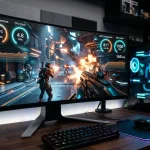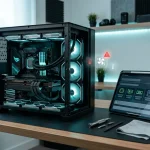

Since the early days of custom computing, we have seen how a high-performance rig can transform from a source of joy to a source of frustration in a single afternoon. At Telespace, we understand that whether you are running a powerhouse like the Dilophosaurus or a reliable daily driver like the Econo Epic, technical hitches are part of the journey. The difference between a minor annoyance and a total system failure often comes down to how quickly you can identify the root cause. While modern hardware is built for resilience, even the most advanced liquid-cooled setups require a bit of mechanical intuition to stay in peak condition.
Thermal Throttling and Airflow Management
One of the most frequent hurdles for any gamer is the sudden drop in frame rates after an hour of play. This is usually the result of thermal throttling, where your CPU or GPU slows itself down to prevent permanent damage from heat. If your fans are spinning at maximum speed but your performance is still dipping, it is time to look at your cooling solution.
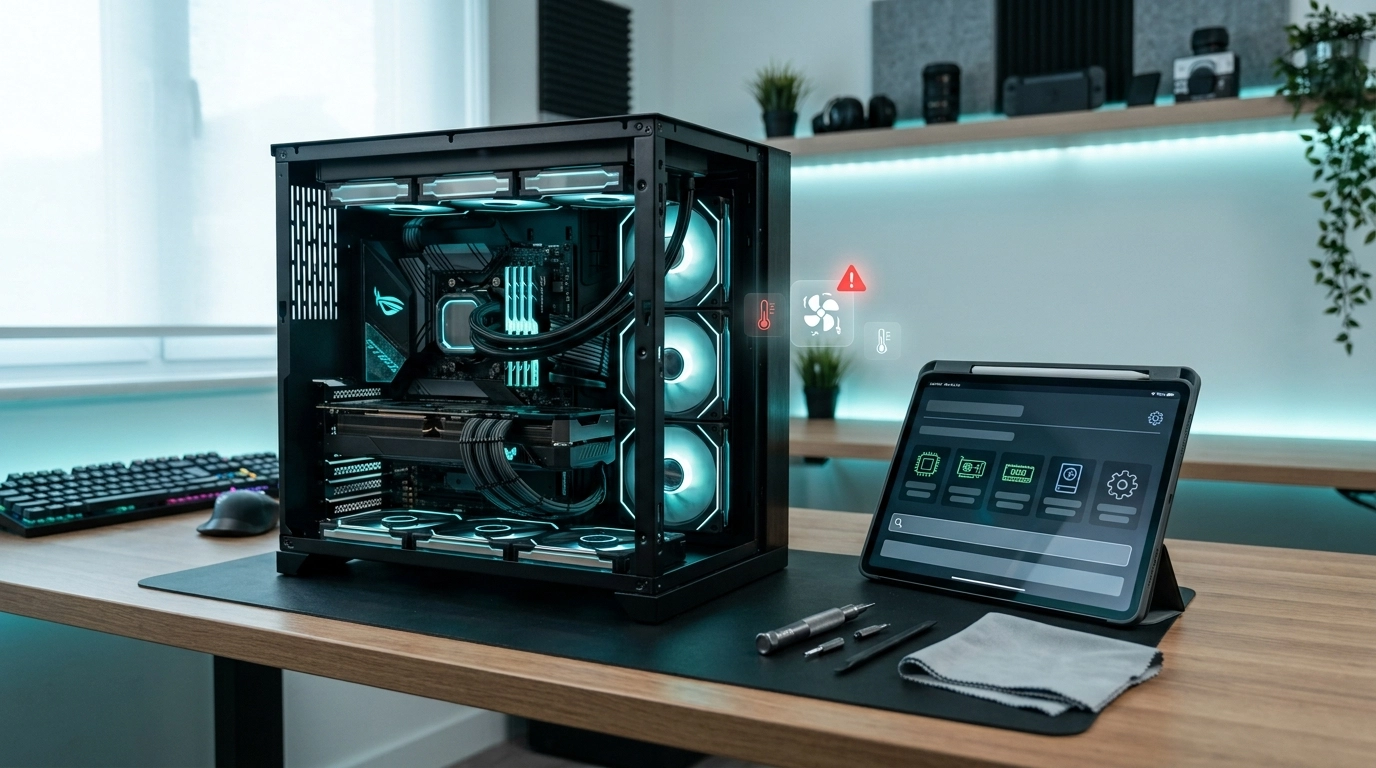
For those using high-end components, dust accumulation in the radiator of an AIO cooler can act as an insulator, trapping heat right where it shouldn’t be. High-end systems like the Troodon or Rev 9 utilize advanced liquid cooling and multi-fan configurations to move air efficiently through tempered glass enclosures. If you notice your temperatures climbing, check for dust buildup on your intake filters. A simple can of compressed air can often restore your system to its former glory. Ensure your case has a clear path for air to enter from the front and exit through the rear or top, maintaining that vital positive pressure that keeps components chilled.
Power Supply Instability and Random Reboots
Few things are as jarring as your PC suddenly turning off without a blue screen or a warning message. This often points toward the Power Supply Unit (PSU) or a loose connection. When a GPU draws more power than the PSU can provide during intense scenes, the system will shut down as a safety precaution.
- Check your cables: Ensure the 24-pin motherboard and 8-pin CPU cables are seated firmly.
- Monitor power draw: Use software to see if your 80+ Gold or Bronze rated unit is being pushed past its limits.
- Wall socket testing: Sometimes the issue isn’t the PC, but a faulty power board or wall outlet.
If you have recently upgraded your graphics card but kept your old power supply, you might be experiencing a wattage deficit. Stable power is the foundation of any build, and ensuring your PSU has enough overhead for peak loads is non-negotiable for a stutter-free experience.
Blue Screens and Memory Corruption
The dreaded Blue Screen of Death (BSOD) is usually a signal that your Windows OS and your hardware are no longer on speaking terms. While it looks catastrophic, it is often just a sign of a faulty RAM stick or a driver conflict. If you are experiencing frequent crashes, Windows Memory Diagnostic is a built-in tool that can help you find the culprit.
Reliable performance in gaming and productivity often relies on high-speed DDR4 or DDR5 RGB memory modules that must be perfectly synced with the motherboard’s BIOS settings.] If one stick of RAM has failed, you may notice that your PC only registers half of its intended capacity. Try booting with one stick at a time to isolate a faulty module. Additionally, keeping your graphics drivers updated is essential; an outdated driver can cause a memory leak that slowly eats away at your system’s resources until it simply gives up.
Storage Degradation and Loading Slowdowns
If your boot times have gone from seconds to minutes, your storage drive might be reaching its end of life or running out of space. Modern NVMe SSDs are incredibly fast, but they can slow down significantly once they reach over 90% capacity. This “slushing” effect happens because the drive struggles to find empty blocks to write new data.
A failing drive often gives hints before it dies completely. You might notice files disappearing, applications taking forever to launch, or “Disk Usage 100%” showing up in your Task Manager even when you aren’t doing anything. Modern gaming setups now prioritize lightning-fast NVMe storage, often with 1TB or 2TB capacities, to ensure that data access speeds keep up with high-end processors. Regularly clearing your temporary files and ensuring your Gen3 or Gen4 drive has at least 15% free space will keep your loading screens as brief as possible.
Graphical Artifacts and Driver Glitches
Visual glitches—like flickering textures, strange colors, or “space invaders” patterns on your screen—are usually a sign that your graphics card is struggling. Before assuming the hardware is broken, try a Clean Install of your drivers. Use a tool like Display Driver Uninstaller (DDU) to wipe the slate clean before installing the latest version from NVIDIA or AMD.
If the artifacts persist even after a driver refresh, check the physical connection. A sagging GPU can sometimes lose full contact with the PCIe slot. Re-seating the card and ensuring the power cables are pushed in all the way can fix a multitude of visual “ghosts.” If you are using a heavy card in a vertical mount or a large tower case, a support bracket can prevent the PCB from warping over time, which protects the delicate solder joints under the GPU core.
The Path to Peak Performance
Diagnosing a PC doesn’t require a degree in engineering, just a systematic approach to ruling out variables. By keeping an eye on your temperatures, ensuring your power delivery is stable, and keeping your storage lean, you can handle most issues from the comfort of your desk. We believe that every gamer should feel empowered to understand the machine they use every day.
At Telespace, we are committed to more than just selling hardware; we are here to support your entire technological journey. Whether you are looking for a new custom build in Rockingham or need advice on upgrading your current setup, our team is dedicated to providing the expertise you need. We take pride in every system we assemble, ensuring that from the moment you hit the power button, your experience is nothing short of exceptional.