
In the modern digital landscape, data is the silent engine driving both personal memories and professional success. Whether it is a decade of family photos or critical business ledgers, the sudden realization that files have vanished can be a heart-stopping experience. As a team deeply integrated into the Western Australian tech community, we at Telespace understand that the value of your hardware is often secondary to the information stored within it. Navigating a data loss event requires a calm, methodical approach to ensure that a temporary glitch doesn’t become a permanent tragedy.
Immediate Steps to Halt Potential Corruption
The moment you suspect a drive has failed or a folder has been accidentally wiped, the most important action is to stop using the device immediately. When a file is deleted, the operating system often simply marks the space it occupied as available for new data rather than physically erasing it. Continuing to browse the web, download updates, or even move small documents can overwrite those “hidden” sectors, making recovery impossible.
If the device is making unusual clicking or grinding noises, shut it down via the power button rather than a software command. Physical mechanical failure in a traditional hard drive involves a physical arm moving across spinning platters; any further movement can cause “head scores,” where the data-carrying surface is physically scratched away. By cutting the power, you preserve the current state of the drive and give specialists the best possible chance of a successful extraction.
Deciphering the Root Cause of Data Loss
Understanding why the data disappeared is the first step in determining the path to recovery. Generally, data loss falls into two categories: logical and physical. Logical failure occurs when the hardware is healthy, but the file system is corrupted, often due to a sudden power outage, a malware attack, or a software crash during a save operation. In these cases, the data is still there, but the “map” the computer uses to find it has been torn up.
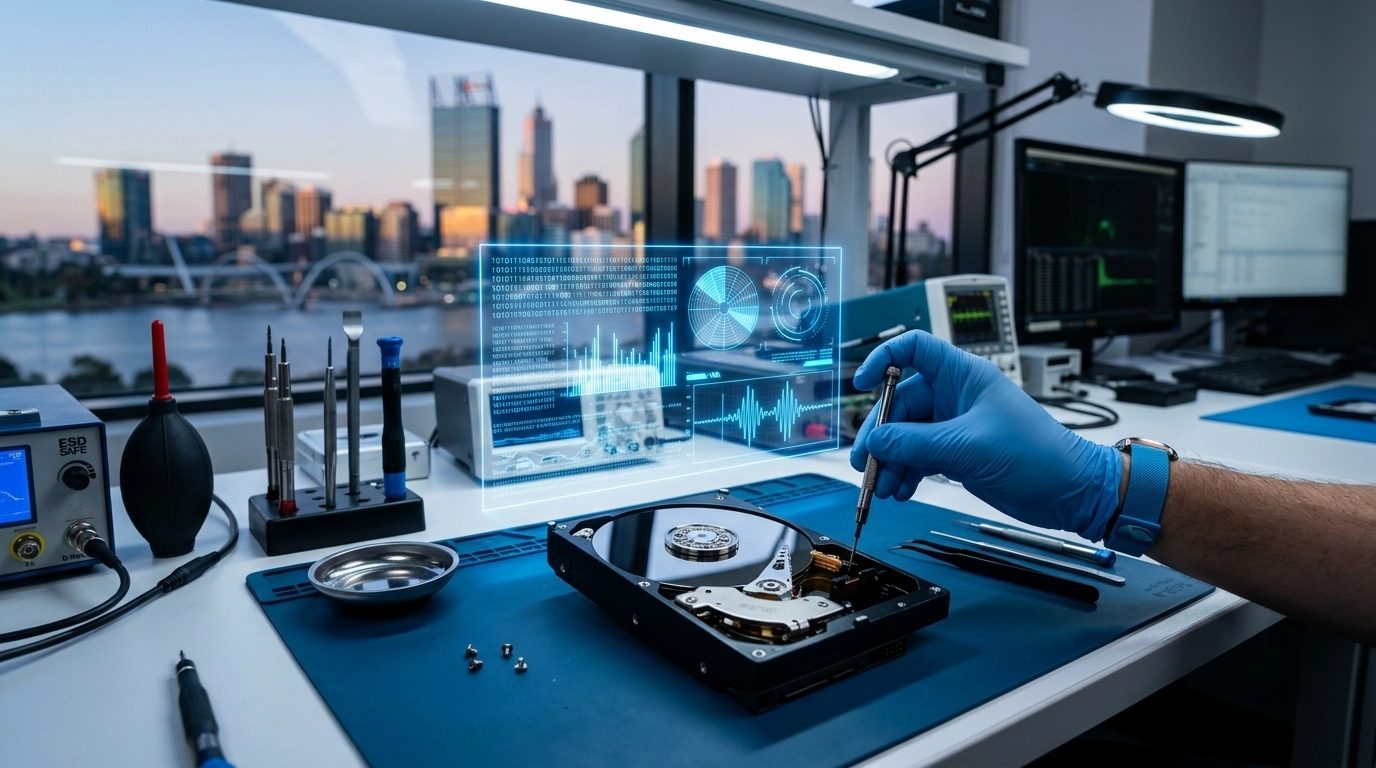
Physical failure is more complex and often involves damaged circuit boards, failed motors, or degraded flash memory cells in an SSD. While many users attempt to use DIY recovery software found online, these tools are designed for logical issues. Effective digital management often begins with choosing the right hardware configurations that offer redundancy before a crisis occurs. Running software on a physically failing drive can push it past the point of no return. Professional assessments in Perth labs utilize “clean room” environments to open drives without risk of dust contamination, ensuring the delicate internals remain pristine during the repair.
The Role of Specialized Hardware in Long-term Safety
While recovery services are a vital safety net, the ultimate goal is to build a system where they are never needed. Modern storage solutions have evolved significantly, moving from fragile mechanical disks to robust Solid State Drives (SSDs) and NVMe modules. Integrating high-quality internal components into your setup reduces the statistical likelihood of spontaneous hardware failure.
For those who require high-capacity storage, Network Attached Storage (NAS) or RAID (Redundant Array of Independent Disks) configurations provide a layer of protection by mirroring data across multiple drives. Reliable technology ecosystems are built on a foundation of proactive maintenance and the right hardware choices for specific professional workloads. We provide a curated selection of high-performance internal storages and external backup drives designed to meet the rigorous demands of Perth’s power users, ensuring that your local infrastructure is as resilient as possible.
Navigating the Professional Recovery Process
When you bring a device to a professional service, the process typically begins with a non-destructive mirror of the drive. Technicians create a bit-for-bit clone of the media so they can work on the copy rather than the original, protecting your data from further risk. This stage often involves bypassing damaged sectors or using specialized hardware controllers to communicate with a drive that Windows or macOS no longer recognizes.
Once a clone is secured, advanced algorithms are used to “carve” files out of the raw data. This can reconstruct fragmented documents even if the original file names and folder structures are lost. In Perth, local expertise is particularly valuable because it allows for a faster turnaround and the ability to speak directly with the engineers handling your sensitive information. This transparency ensures you know exactly what is recoverable before you commit to the final extraction costs.
Building a Bulletproof Backup Strategy
The only 100% effective cure for data loss is a redundant backup strategy. The industry standard is the 3-2-1 rule: maintain three copies of your data, on two different types of media, with one copy stored off-site. For many, this looks like a primary computer, a local external hard drive, and a secure cloud storage provider. Local backups are excellent for quick restores of accidentally deleted files, while off-site or cloud backups protect against physical disasters like fire or theft.
Automating these backups is essential. Human memory is fallible, and a backup that is three months old is often as useless as no backup at all. Total system reliability is achieved when hardware repairs and software optimizations are handled by experts who understand the local Perth tech landscape. Modern external SSDs offer the speed and durability required for daily automated backups without slowing down your workflow, making the habit of data preservation seamless and unobtrusive.
Future-Proofing Your Digital Life
Recovering from a data disaster is often a wake-up call regarding the fragility of our digital lives. Beyond just the recovery of lost files, this is an opportunity to audit your entire tech stack. Are your chargers providing stable power, or are they causing micro-surges that degrade your battery and SSD? Is your computer’s casing providing adequate ventilation to prevent heat-related component failure?
At Telespace, we are committed to providing the Western Australian community with the high-grade components and expert guidance needed to prevent these scenarios. From robust power banks that keep your mobile devices safe during travel to custom-built desktop systems designed for maximum stability, we help you build a tech environment that is both powerful and secure. By combining the right hardware with a disciplined approach to data management, you can ensure that your most important files remain exactly where they belong: safe, accessible, and under your control.