
Getting the most out of a gaming setup does not always require a trip to the checkout counter. At Telespace, we understand that while high-end hardware like an RTX 4090 or a Ryzen 9 defines the peak of performance, many users can unlock significant potential from their current rigs through strategic software adjustments and maintenance. Our goal is to ensure every gamer in Australia, from casual players to enthusiasts, experiences the seamless performance their hardware was designed to deliver.
Optimizing Your Digital Environment
The first step toward a faster PC is often the most overlooked: cleaning up the background clutter. Every application that launches at startup consumes a slice of your RAM and CPU cycles. By opening the Task Manager and navigating to the Startup tab, you can disable unnecessary programs that linger in the background. Reducing this “digital noise” allows your processor to focus entirely on the game at hand.
Windows Game Mode is another essential tool. When enabled, it prioritizes your game’s processes and prevents Windows Update from performing driver installations or sending restart notifications during your session. Pairing this with a “High Performance” power plan ensures your hardware isn’t artificially throttled to save energy, allowing the silicon to draw the power it needs for those demanding frame rates.
The Art of Thermal Management
Heat is the silent enemy of performance. When components like your GPU or CPU reach certain temperature thresholds, they automatically lower their clock speeds to prevent damage—a process known as thermal throttling. Ensuring your PC is physically clean is the most cost-effective “upgrade” available. Using compressed air to clear dust from heatsinks and intake filters can drop temperatures significantly.
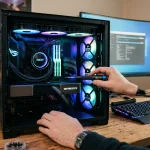
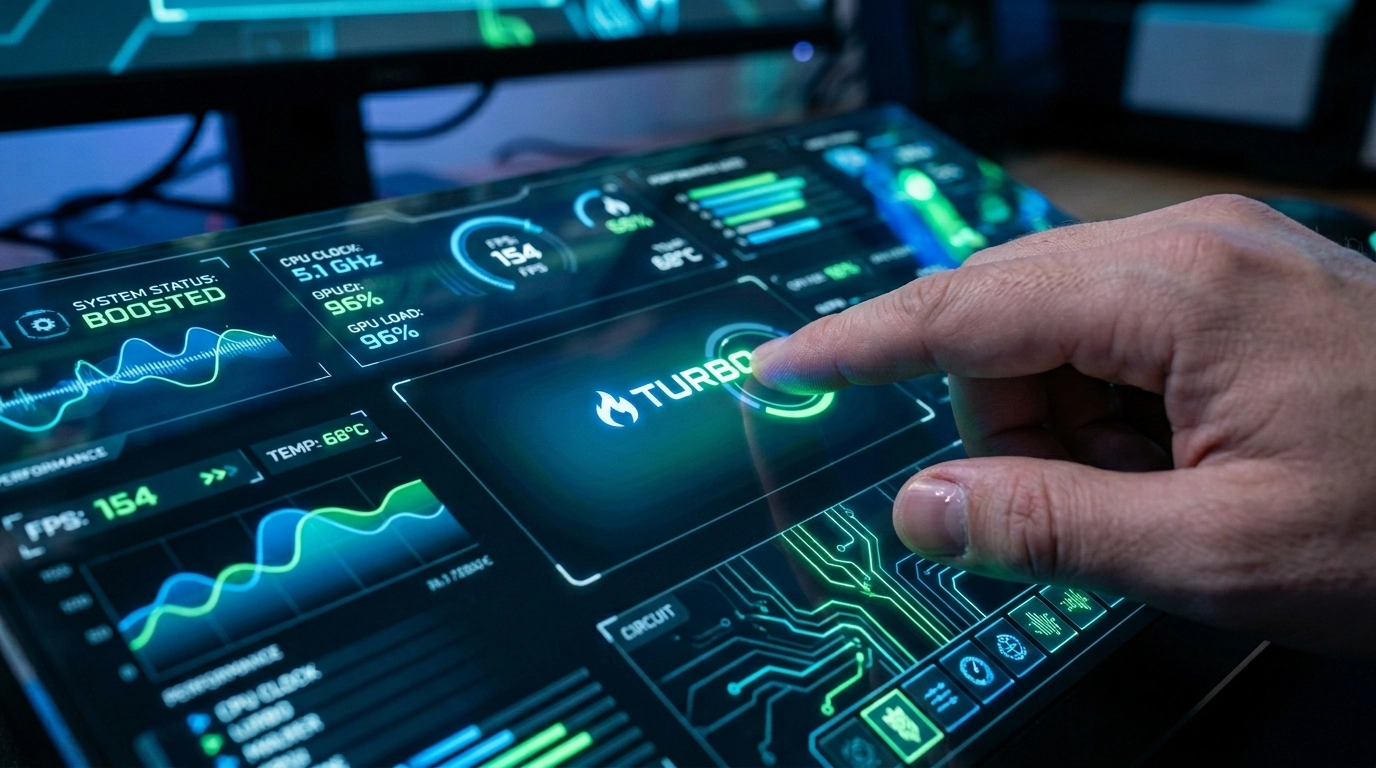
While keeping temperatures low is vital, seasoned enthusiasts often push their hardware beyond factory defaults by manually adjusting clock speeds and voltages to find the perfect balance of heat and speed. This practice ensures that you are not leaving any latent performance on the table. For those using systems with advanced cooling solutions, such as the liquid-cooled setups found in some of our custom builds, maintaining a clear airflow path is the difference between a stutter-free experience and a frustrating lag spike.
Driver Integrity and Software Synergy
Software acts as the bridge between your intent and the hardware’s execution. Graphics card manufacturers like NVIDIA and AMD release frequent driver updates specifically optimized for new game releases. These updates often include “Game Ready” tweaks that can improve FPS by 5% to 10% without a single hardware change.
Beyond drivers, consider the impact of your storage health. If you are running an NVMe SSD, ensuring you have at least 15% to 20% free space is crucial. SSDs use free space to perform background maintenance tasks like wear leveling and garbage collection; when they are nearly full, write speeds can crawl, leading to longer load times and occasional in-game hitches. Utilizing built-in Windows tools like “Disk Cleanup” or “Defragment and Optimize Drives” (only for HDDs) keeps the data pathways efficient.
Refining In-Game Configurations
Maximum settings are a luxury, but “Competitive” settings are a strategy. Many graphical features like “Ultra” shadows, motion blur, and high-quality reflections tax the GPU heavily while offering diminishing visual returns during fast-paced gameplay. Lowering these specific settings while keeping textures high can maintain visual clarity while significantly boosting your frame rate.
Success in performance tuning often comes down to incremental changes, where one gradually increases frequency increments while monitoring for system instability or graphical artifacts Modern games also offer technologies like DLSS (Deep Learning Super Sampling) or FSR (FidelityFX Super Resolution). These AI-driven upscaling methods allow your PC to render the game at a lower resolution and then upscale it, providing a massive boost in FPS with minimal impact on image quality. It is essentially a free performance upgrade built directly into your game’s engine.
Memory and Latency Calibration
The speed at which your CPU communicates with your RAM can be a major bottleneck. Many users realize too late that their high-speed RAM is actually running at basic speeds because they haven’t enabled XMP (Extreme Memory Profile) or DOCP in the BIOS. This single toggle allows your memory to run at its advertised frequency, such as 3200MHz or 6000MHz, rather than the default 2133MHz.
In the Australian tech landscape, getting the most out of your silicon involves a deep dive into BIOS settings to ensure your voltage and multiplier settings are optimal for your specific cooling environment. Beyond the BIOS, reducing input latency is key. Disabling “Enhance Pointer Precision” in Windows mouse settings ensures a 1:1 movement ratio, while using a wired connection instead of Wi-Fi can stabilize your “ping,” making the game feel much more responsive even if the FPS stays the same.
Revitalizing the Foundation
Sometimes, the best way to speed up a PC is to give it a fresh start. Over years of use, Windows accumulates “registry bloat” and fragmented files that no cleanup utility can fully fix. A clean reinstallation of the operating system can make an older machine feel brand new. It clears out years of temporary files and conflicting software drivers, providing a pristine environment for your games to run.
If a full reinstall feels too drastic, a thorough audit of your installed games and applications can help. Moving your most-played titles to your fastest NVMe drive—like the Gen4 or Gen5 units we stock—ensures that the bottleneck isn’t the data transfer rate. By focusing on these systemic optimizations, you ensure that your hardware is working in harmony rather than fighting against its own software environment.
Elevating the Experience
Maximizing a gaming PC is a continuous process of refinement rather than a one-time task. Whether it is through meticulous cleaning, driver management, or fine-tuning in-game settings, the potential for a better experience is already sitting on your desk. At Telespace, we take pride in helping our community navigate these technical nuances, providing the expert support and quality-assured components needed to keep your rig at the top of its game. By treating your PC as a finely tuned instrument rather than just a box of parts, you ensure that every session is as smooth and immersive as possible.