
At Telespace, we’ve seen firsthand how 3D printing has evolved from a futuristic concept into a practical tool used by creators, professionals, and hobbyists alike. But before the printer hums and your first object takes shape, there’s a learning curve worth exploring. Getting started the right way can make all the difference in print quality, material choice, and even long-term savings. Whether you’re a student tinkering with prototypes or a business exploring custom production, understanding the fundamentals can save time, reduce waste, and unlock your full creative potential.
Let’s dive into the essentials every beginner should know before pressing “print.”
Understand the Types of 3D Printers
Not all 3D printers are created equal. The type you choose can determine what materials you can use, how detailed your models can be, and what kind of maintenance you’ll need to do.
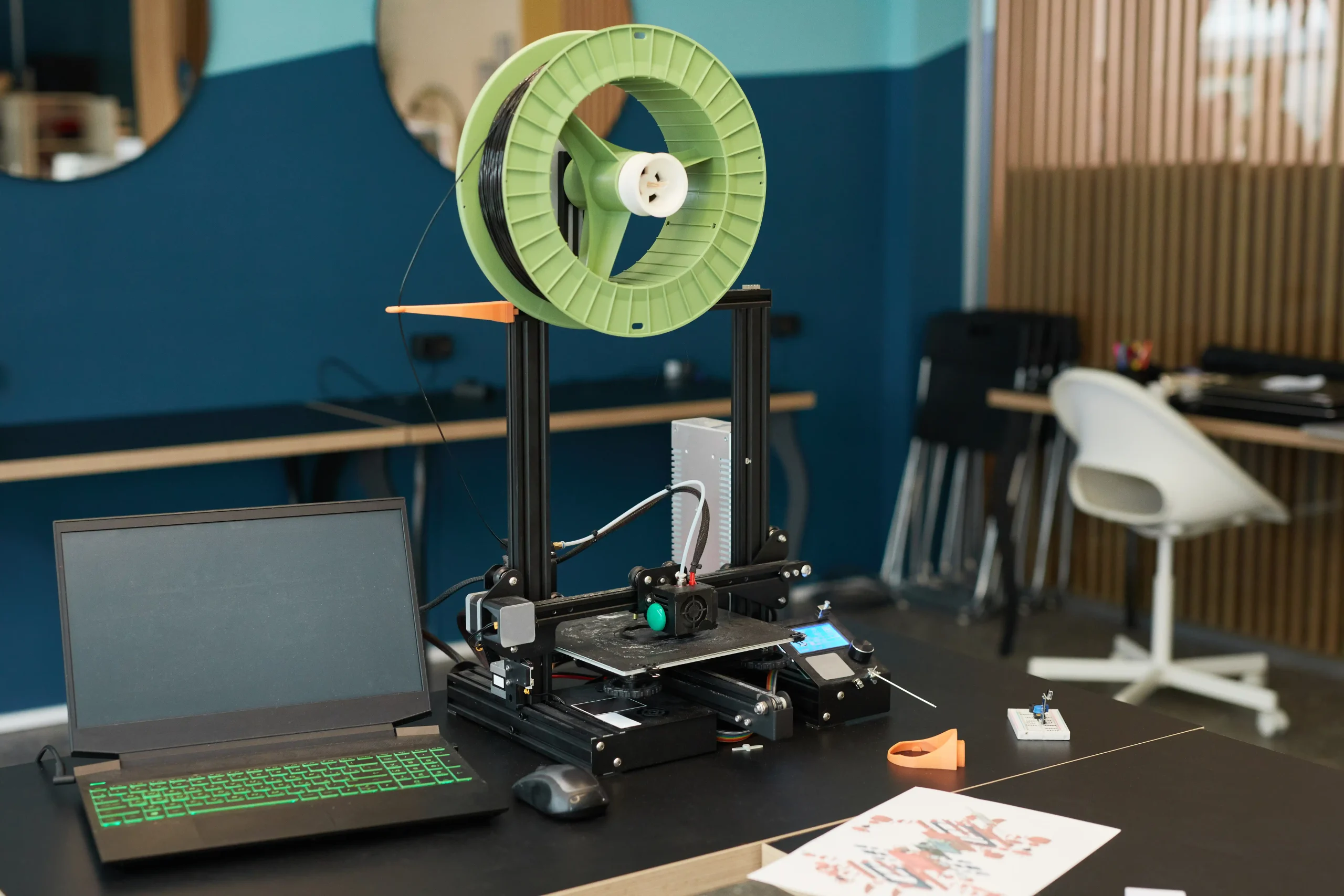
The most common entry-level printers are Fused Deposition Modeling (FDM) machines. These are ideal for basic prototyping and hobby projects. They work by melting plastic filament and layering it to form an object.
Then there’s Stereolithography (SLA) and Digital Light Processing (DLP), which use light to cure liquid resin into hard plastic. These are great for highly detailed objects, such as jewelry or dental molds, though they require more post-processing and care.
If you’re unsure where to begin, FDM is a reliable and affordable starting point.
Materials Matter: Choosing the Right Filament
Materials in 3D printing aren’t just about color or strength — they directly impact how the final product behaves.
- PLA (Polylactic Acid) is beginner-friendly, biodegradable, and ideal for decorative objects.
- ABS (Acrylonitrile Butadiene Styrene) is more durable and heat-resistant but trickier to print due to its tendency to warp.
- PETG balances flexibility and strength, making it great for mechanical parts.
- Specialty filaments like wood, metal-infused, or flexible TPU exist but often require specific nozzle sizes or heated beds.
When you’re just starting, PLA is often the best place to begin. But as your ideas grow bolder, you’ll likely want to explore the full spectrum of material possibilities. After all, bringing ideas to life often starts with understanding the tools that shape them.
The Role of Design: Don’t Skip the CAD
You can’t print without a blueprint. This is where CAD (Computer-Aided Design) software comes in.
Beginners often start with programs like Tinkercad or Fusion 360. These platforms allow you to create your own 3D models or modify pre-made ones. Alternatively, websites like Thingiverse offer thousands of downloadable STL files — many ready to print with little adjustment.
However, not every file is plug-and-play. A design may look good on screen but might be unprintable due to overhangs, unsupported features, or mesh errors.
Learning the basics of design doesn’t mean mastering advanced modeling techniques right away — but it does mean getting comfortable enough to edit and evaluate files before printing. The transition from idea to object is as much about how you build your model as how you print it.
Print Settings Are Everything
Once your file is ready, it needs to be sliced — literally. Slicer software breaks down your 3D model into layers and converts it into machine-readable G-code.
Key settings to know:
- Layer height: Thinner layers mean smoother surfaces, but longer print times.
- Infill: Determines how much material fills the inside of your object. A higher infill means a sturdier part, but it uses more filament.
- Supports: Help hold up parts of your model that would otherwise collapse mid-print.
- Temperature: Needs to match the filament and printer type.
Don’t be surprised if your first few prints fail — learning how to tweak these settings is where much of the 3D printing journey happens. Be patient, experiment, and keep notes.
Post-Processing: The Final Touch
Your print may come off the bed looking finished, but a little polish can go a long way.
Removing supports cleanly can make or break a print’s appearance.
Sanding and painting are often used in cosplay and artistic projects.
Resin prints require washing and curing under UV light.
Acetone vapor can be used to smooth ABS prints for a glossy finish.
This step is where the digital becomes physical — where the raw material starts resembling the vision you had in your head. At Telespace, we’ve watched how even the simplest prints can transform with care and finishing, turning experimentation into meaningful creation.
Maintenance and Safety: Protecting Your Gear and Yourself
Finally, 3D printers need care to perform well over time.
- Regular bed leveling ensures that prints adhere properly and don’t warp.
- Nozzle cleaning prevents clogs that could damage your machine or ruin your print.
- Lubricating moving parts and checking belts will keep prints smooth and consistent.
Also, remember that 3D printing involves heat, moving parts, and sometimes fumes. Always operate your printer in a well-ventilated space, especially when using materials like ABS.
Safety isn’t just about protecting yourself — it’s about ensuring your ideas continue to come to life without unnecessary downtime or risk.
Where Creativity Meets Capability
Starting with 3D printing can feel like learning a new language — unfamiliar, exciting, and full of possibility. But with the right knowledge, it becomes a process of continual discovery. Whether you’re exploring prototypes, small-scale production, or just printing out of curiosity, every successful print adds to your skillset and sparks new ideas.
At Telespace, we support creators at every level of experience — from those taking their first steps to those pushing boundaries. We believe in the power of exploring the world of 3D printing together — one layer at a time. And when you’re ready to bring your next idea into the real world, we’re right here, ready to help you hit ‘print.’