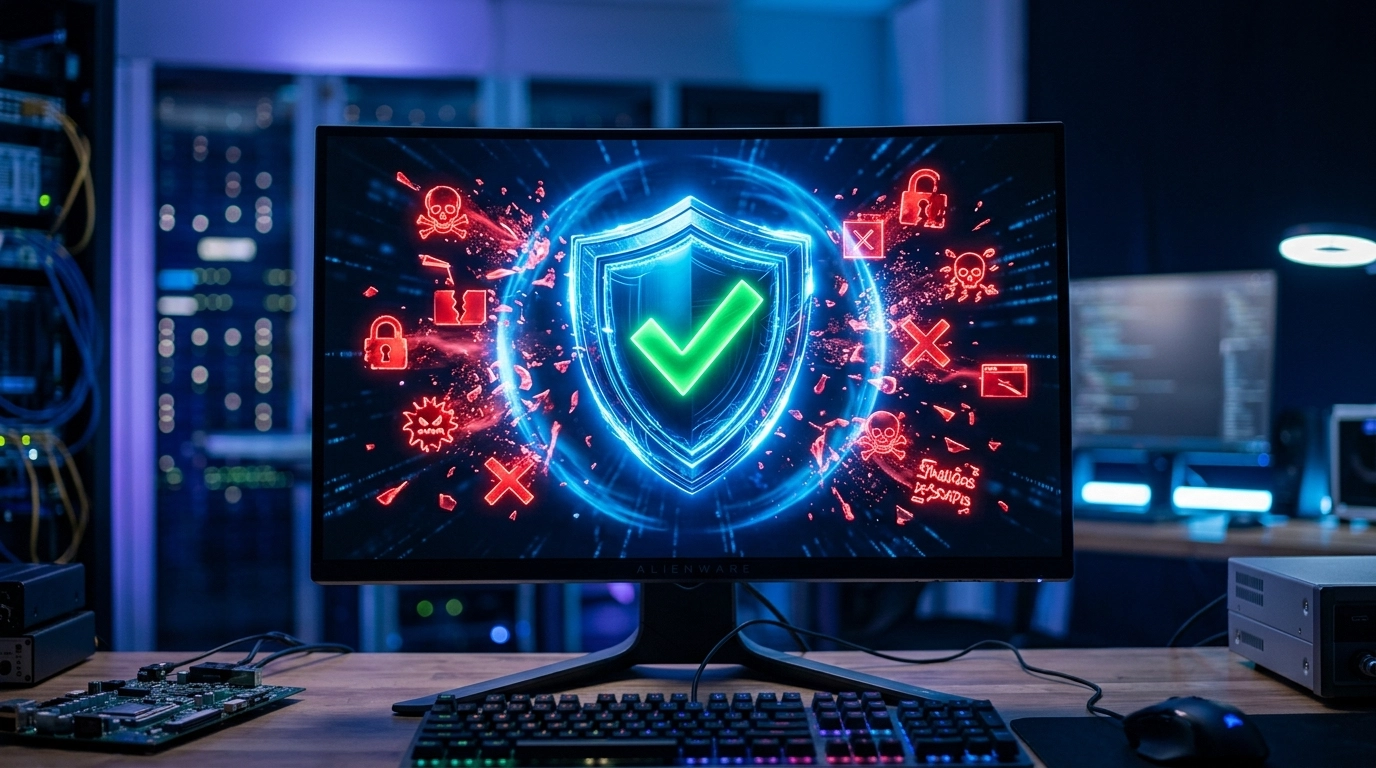

In the modern digital landscape, a computer is far more than just a tool for browsing; it is a central hub for personal memories, financial records, and professional projects. However, this connectivity brings risks, as malicious software becomes increasingly sophisticated in its attempts to compromise your privacy and system stability. At Telespace, we understand that a virus infection is more than a technical glitch—it is an interruption to your life and a threat to your security. Operating out of our Perth-based service hubs, such as our convenient location in Ocean Keys Shopping Centre, we focus on providing robust solutions that not only eliminate existing threats but also fortify your hardware against future incursions.
Recognizing the Invisible Intruders
The first step in protecting your system is identifying the subtle signs that something is wrong. Malware does not always announce itself with loud pop-ups or dramatic warnings. Often, the indicators are much more discreet. You might notice your cooling fans spinning at maximum speed even when the computer is idle, or perhaps your internet data usage has spiked for no apparent reason. These are often signs of background processes, such as cryptojacking or spyware, siphoning off your system’s resources.
Other red flags include:
Applications crashing or refusing to open.
Your browser homepage changing to an unfamiliar search engine.
Unusual “System Error” messages that don’t match standard Windows or macOS notifications.
Significant delays when typing or moving the mouse.
When these symptoms appear, time is of the essence. The longer a malicious script runs, the deeper it can embed itself into your operating system’s root files, making removal more complex and increasing the risk of permanent system instability.
The Architecture of Modern Malware
To effectively clean a PC, it is necessary to understand what we are up against. Gone are the days when a simple “virus” was the only concern. Today’s threats are multi-layered and designed for specific malicious purposes. Trojan horses disguise themselves as legitimate software updates to gain entry, while adware focuses on flooding your interface with unwanted marketing. Perhaps most dangerous is ransomware, which encrypts your files and demands payment for their release.
If your operating system has reached a point where it can no longer boot due to corrupted system files, the priority shifts toward preserving the integrity of the raw sectors on your hard drive. Modern threats often target the registry and boot records, necessitating a professional deep-scan approach that goes beyond what consumer-grade free antivirus software can provide.
Professional Removal and Deep System Cleaning
While many people attempt a DIY fix using “free” scanners found online, these tools can sometimes be “scareware” themselves, designed to trick users into downloading even more malware. A professional removal process involves isolating the infected drive and running diagnostics in a controlled environment. This ensures that the virus cannot “phone home” to a remote server or replicate itself while being deleted.
Our approach involves:
Heuristic Analysis: Identifying unknown threats based on suspicious behavior rather than just a database of known signatures.
Registry Repair: Cleaning up the leftover “crumbs” that malware leaves in the Windows Registry, which often cause ongoing performance issues.
Process Termination: Stopping malicious scripts that have integrated themselves into your startup routine.
Hardening Your Digital Perimeter
Removal is only half the battle; the second half is ensuring the breach never happens again. We emphasize the importance of “System Hardening.” This involves more than just installing software; it’s about configuring your environment to be less vulnerable. This includes disabling unnecessary background services, tightening browser security settings, and ensuring that your Operating System is patched with the latest security updates.
For users in Perth, hardware-level security is also a factor. Utilizing high-quality components and ensuring your BIOS/UEFI firmware is up to date can prevent low-level attacks that bypass traditional software security. When a storage device begins to show physical signs of failure, such as clicking or undetected partitions, the focus must immediately turn to the specialized extraction of data before the hardware becomes completely unresponsive.
The Role of Preventive Maintenance
Prevention is significantly more cost-effective than recovery. Regular system “tune-ups” can identify vulnerabilities before they are exploited. During a standard maintenance check, technicians look for outdated drivers, redundant software that creates security “holes,” and signs of physical wear on storage drives.
A secure system relies on:
Multi-Factor Authentication (MFA): Adding a layer of security that malware cannot easily bypass.
Routine Backups: Maintaining a physical or cloud-based copy of your system. Maintaining a redundant copy of your most critical files on an external, disconnected device is the only guaranteed insurance against the total loss of your digital history. * User Education: Understanding that no legitimate company will ever ask for your password via an unsolicited email or “urgent” pop-up.
Restoring Your Peace of Mind
Once a system is verified as clean, the final phase is restoration. This involves ensuring all your legitimate software is functioning correctly and that your system speed has returned to its peak performance. We don’t just hand back a “working” computer; we provide a machine that is optimized and faster than it was before the infection.
At Telespace, we believe that the residents of Perth deserve a tech partner they can trust with their most sensitive devices. Whether you are dealing with a persistent browser hijacker or a total system lockdown, our technicians at Ocean Keys are equipped with the specialized tools needed to reclaim your digital space. We pride ourselves on transparent service, ensuring you understand exactly what happened and how we fixed it. Protecting your PC is about more than just software; it’s about ensuring your digital life remains private, secure, and entirely under your control.